Test scenarios are a defined set of test cases which can be defined as to execute test cases sequentially or concurrently with different parameters on defined agents. It helps users to organize regression tests and allows them to replay them for scheduled executions.
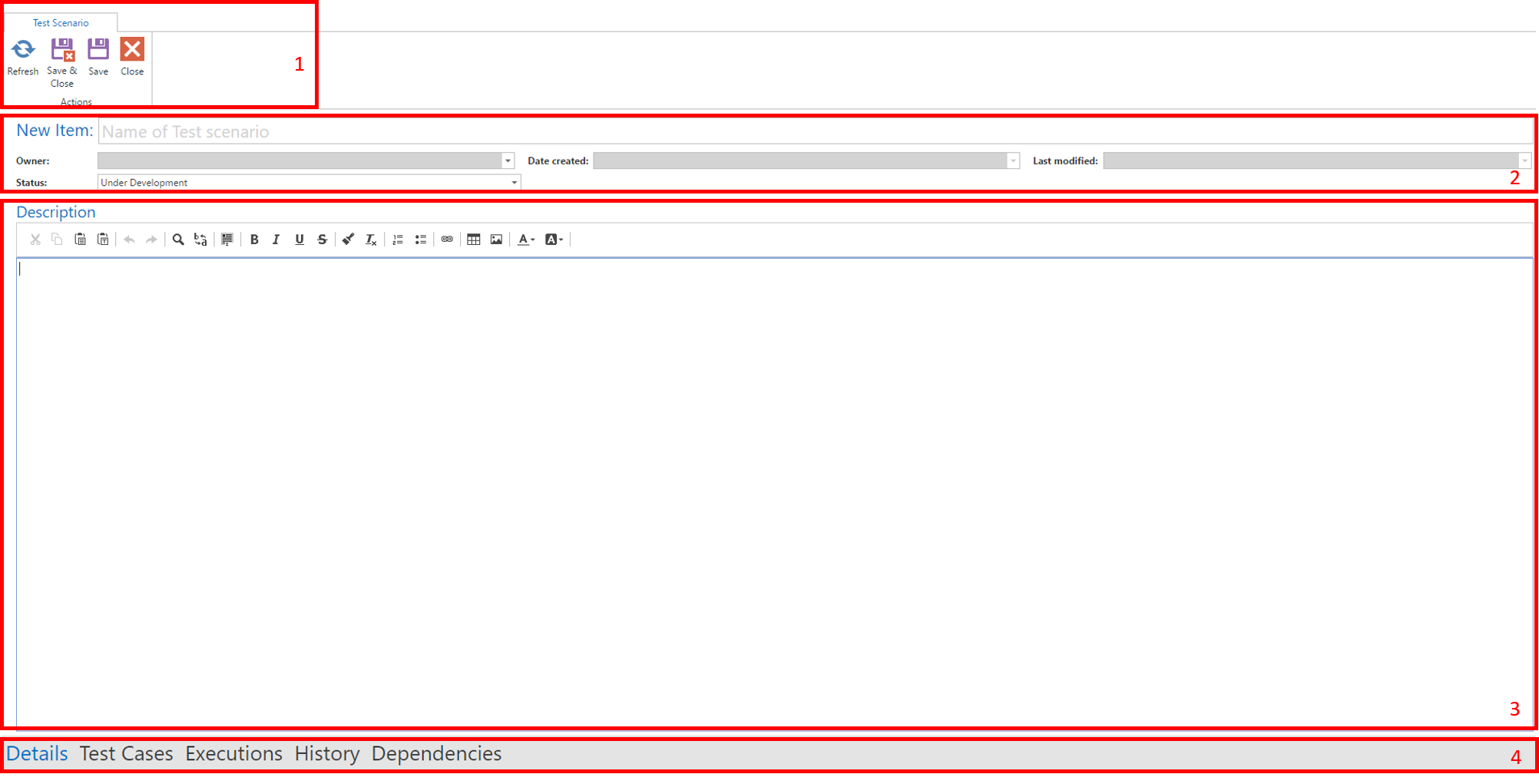
Within the module Navigation, click on New to create a new test scenario. A new tab will open specifying the new test scenario.
Ribbon Bar
Specification
Description
Navigation Bar
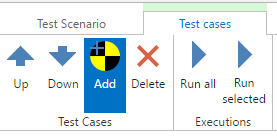
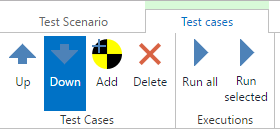
In the test scenario you find a navigation bar at the bottom. By clicking test cases the content switches to a new view that allows to specify test cases to be executed in the given test scenario. In the ribbon bar you find an add button.
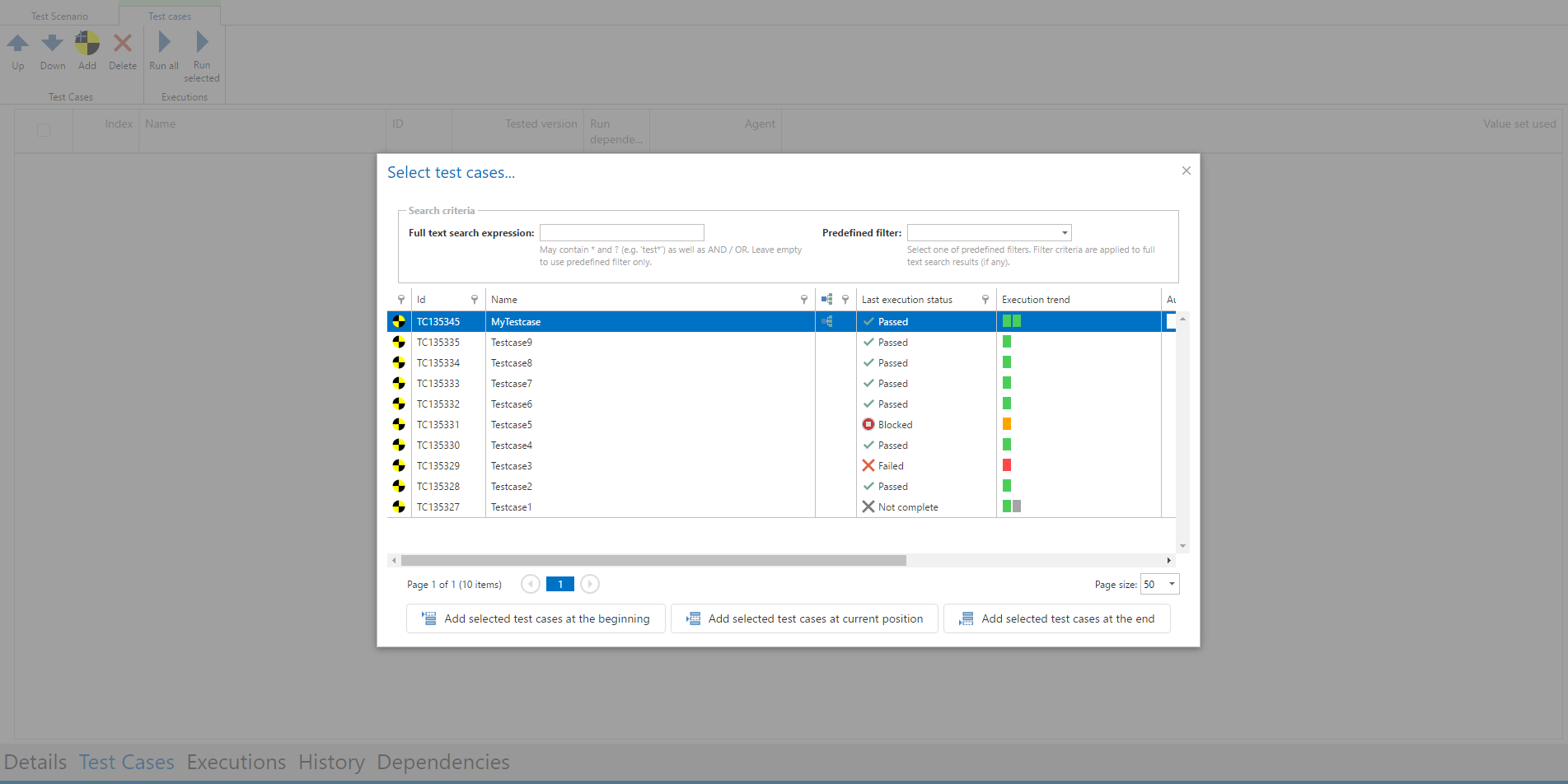
A modal window opens where you see all test cases in the project. You can either search for a specific test case or use one of your predefined filters. When you select a test case you can choose whether to add it at the beginning or at the end of the test scenario. After adding all desired test cases you can save your scenario.
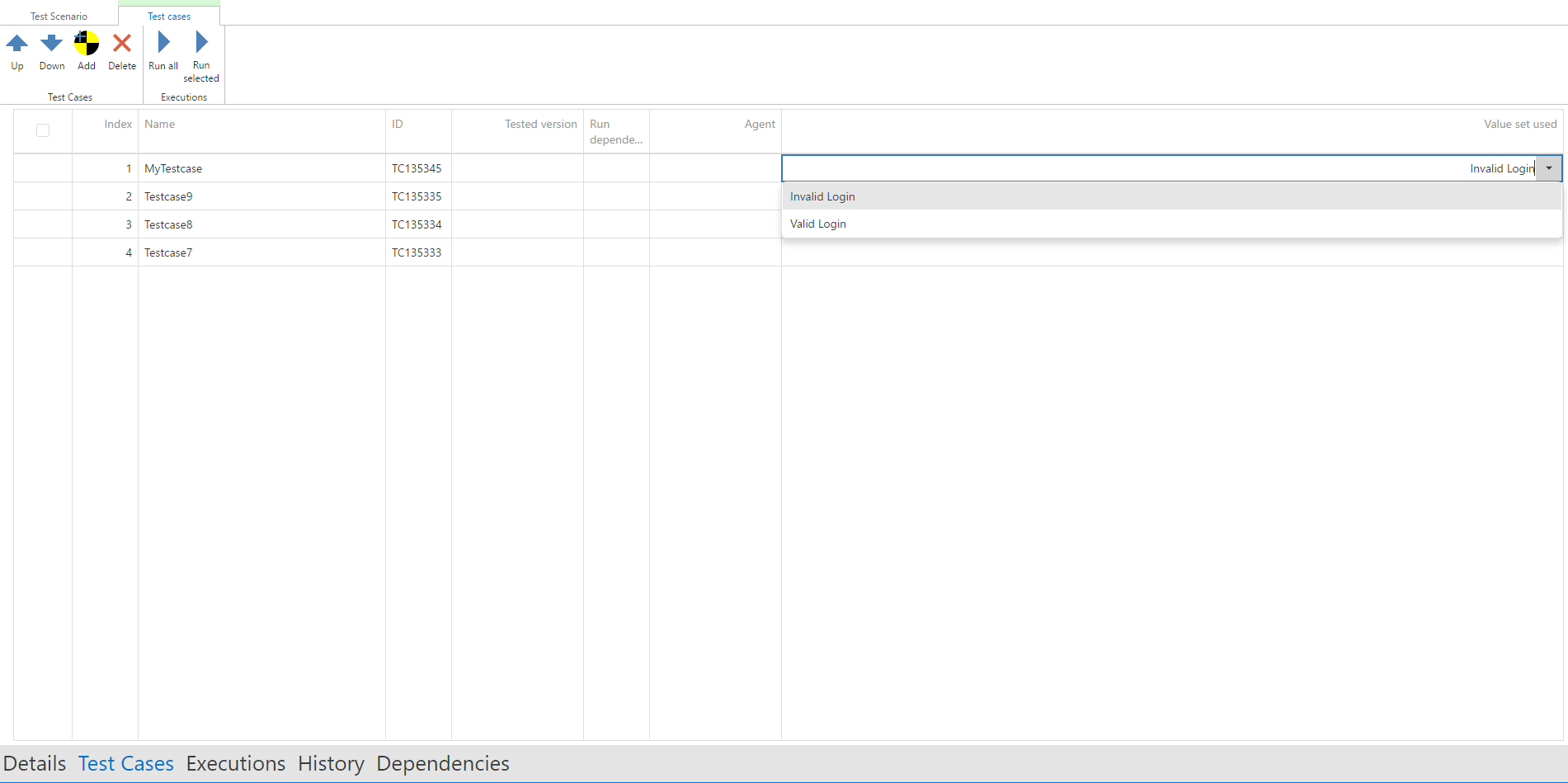
If a test case is parameterized, the default value set is entered by default. All other value sets can be added by clicking in the test cases section on Value set and choosing a value set from the drop down.
The order of the test cases can be defined by buttons up and down.