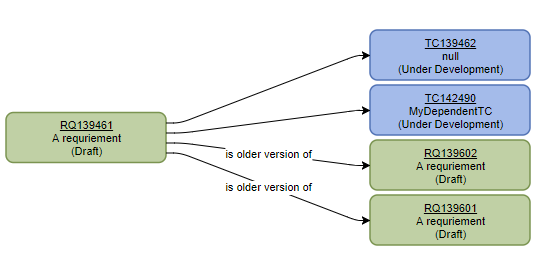
To reach the dependency view click on Dependencies in the navigation bar. If there are dependent elements to the open element, they will be listed there.
Create dependency to existing elements
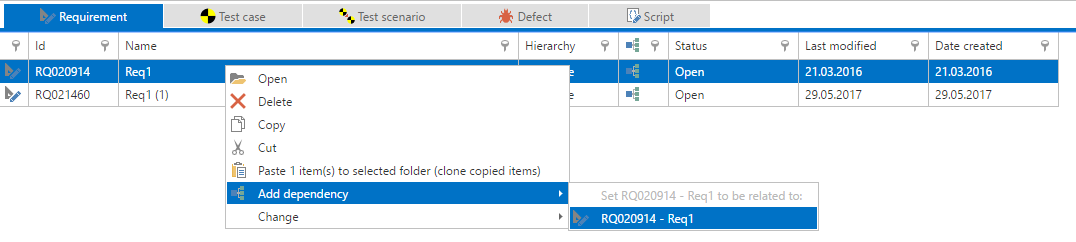
You can add dependencies via context menu. Copy the corresponding item to clipboard beforehand via right-click and copy button.
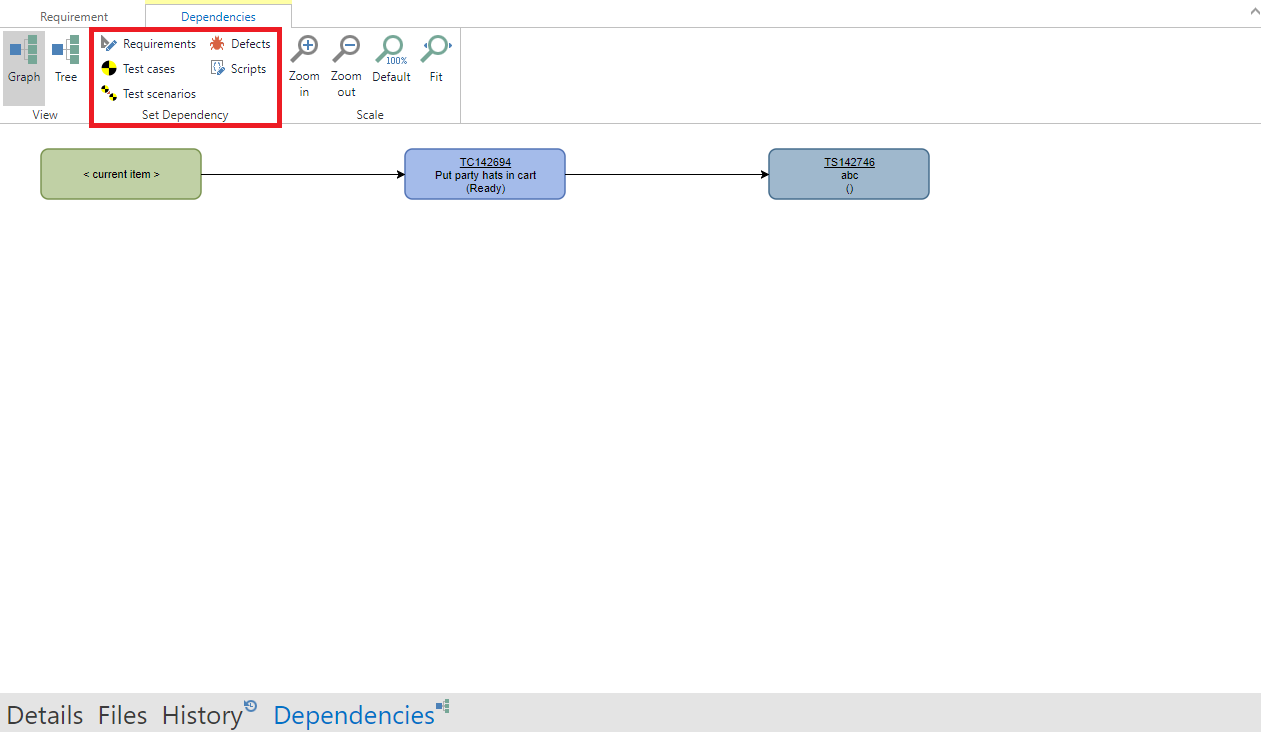
You can also create a dependency out of an element. To do so, open an item and click on 'Dependencies' on the navigation bar and chose an item-type from the 'Set dependency' section.
Create new dependent item
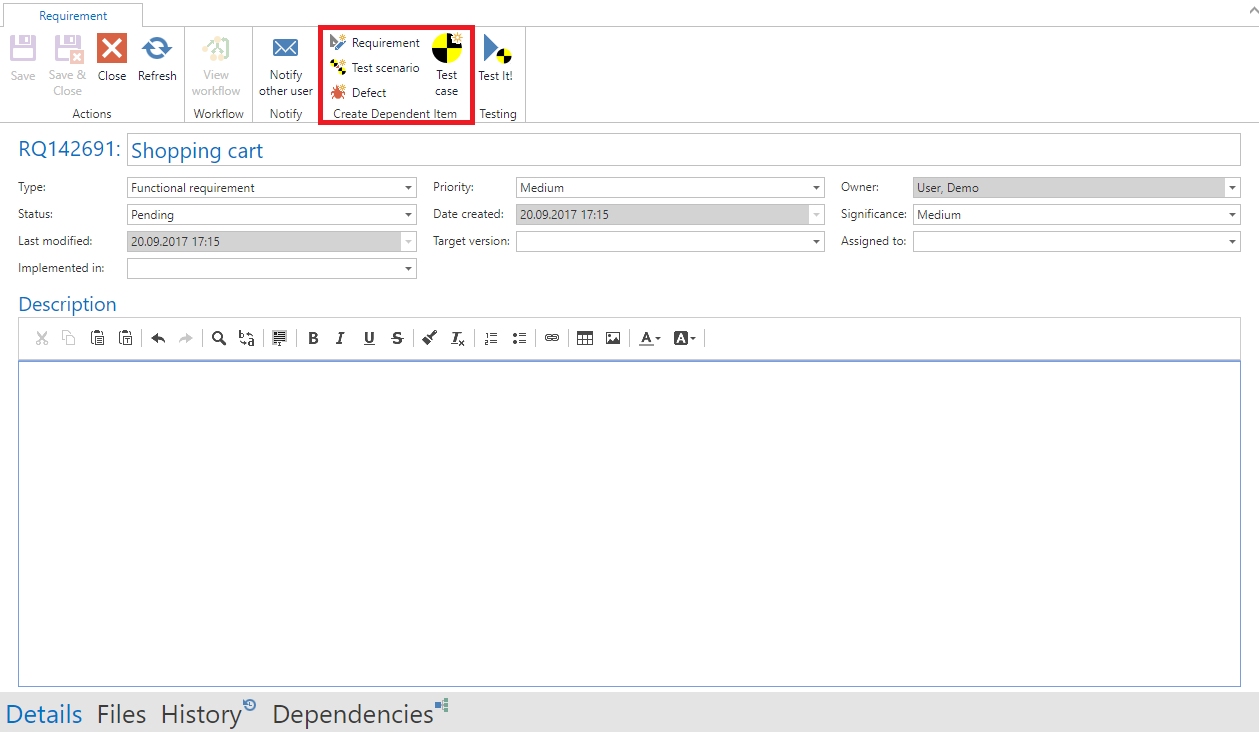
You can also create new dependent items from existing items. To do so, open an item and select an item type from the 'Create Dependent Item' section in the ribbon. A new tab with a new item will open and a dependency is added.