Field rules
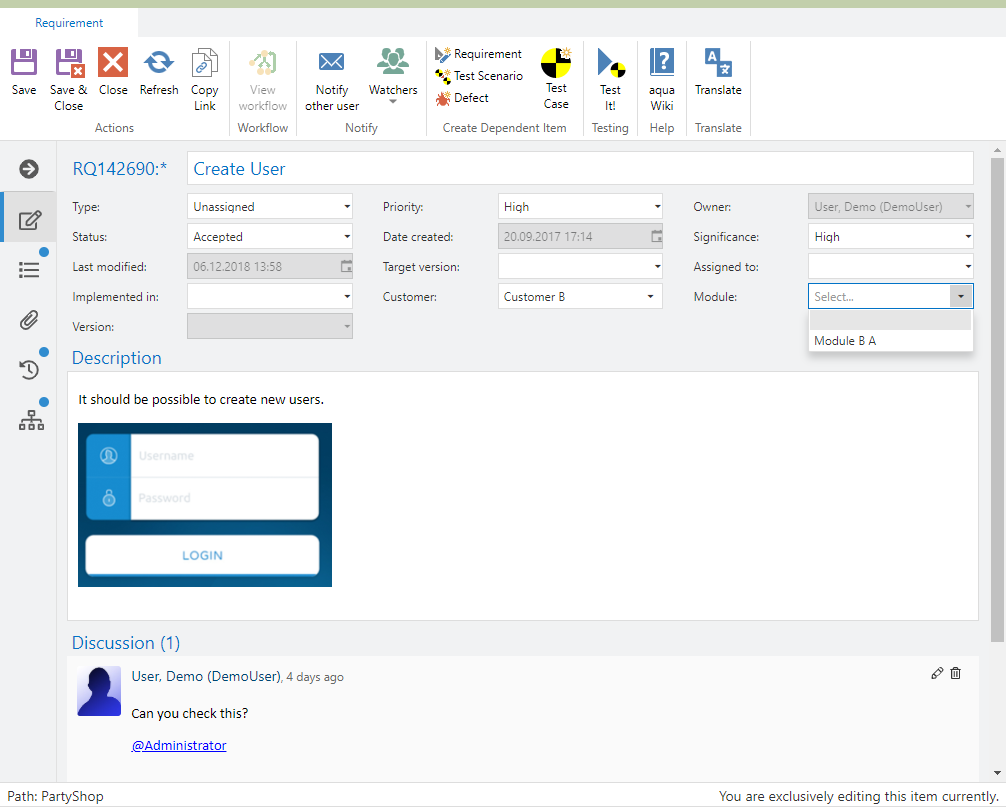
You can define two types of field rules for your project: restrictions and actions. Restrictions are used for value dependent fields, such as modules for specific customers. If you select a customer (Customer A) only the modules for this customer will be selectable in the module field.
Using actions you can define impacts a specific value will have on another field. E.g. if you select for the field significance the value critical, the field risk should become required.
Restrictions
You can configure custom field rules in order to use value dependent fields. Thus, selecting a value in Select-Box A changes the list of values in Select-Box B. To configure a value dependent field, click on File and select Project configuration (field rules).
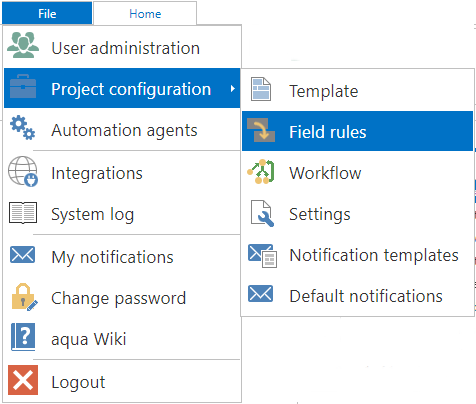
Now, select the filed which should be dependent on another field and its dependency.
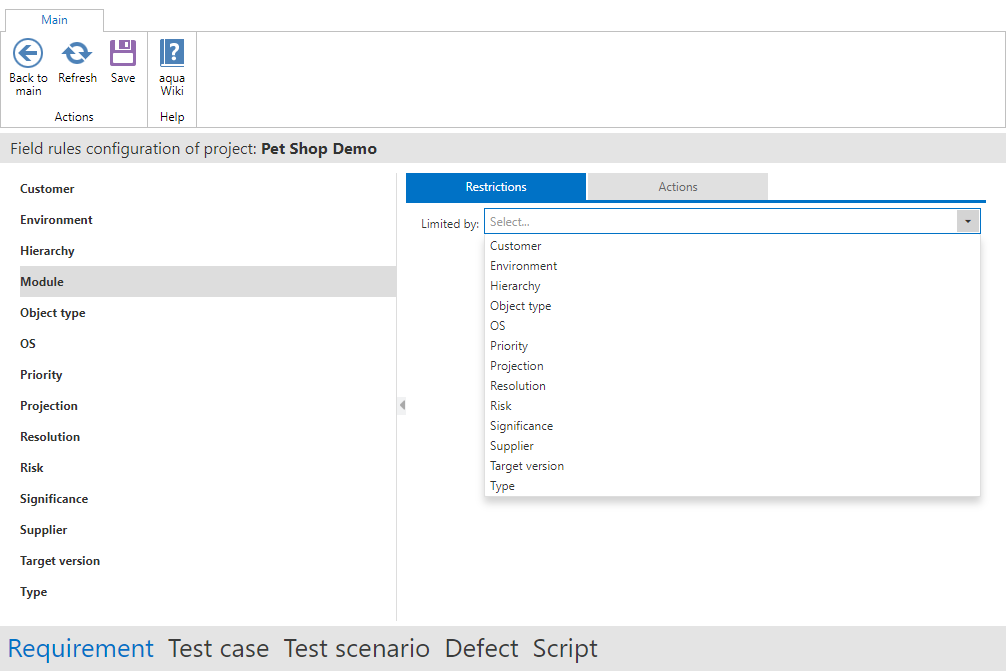
Now you see the dependent values, based on your project template. Simply select which value of the subsidiary field should be visible for each super ordinate field.

Now you can use the field in your project.
Actions
Using actions you can define impacts on fields, if a value is used in another field. To do so, select 'Actions' and the field that should impact another field. Click on 'Add new action'.
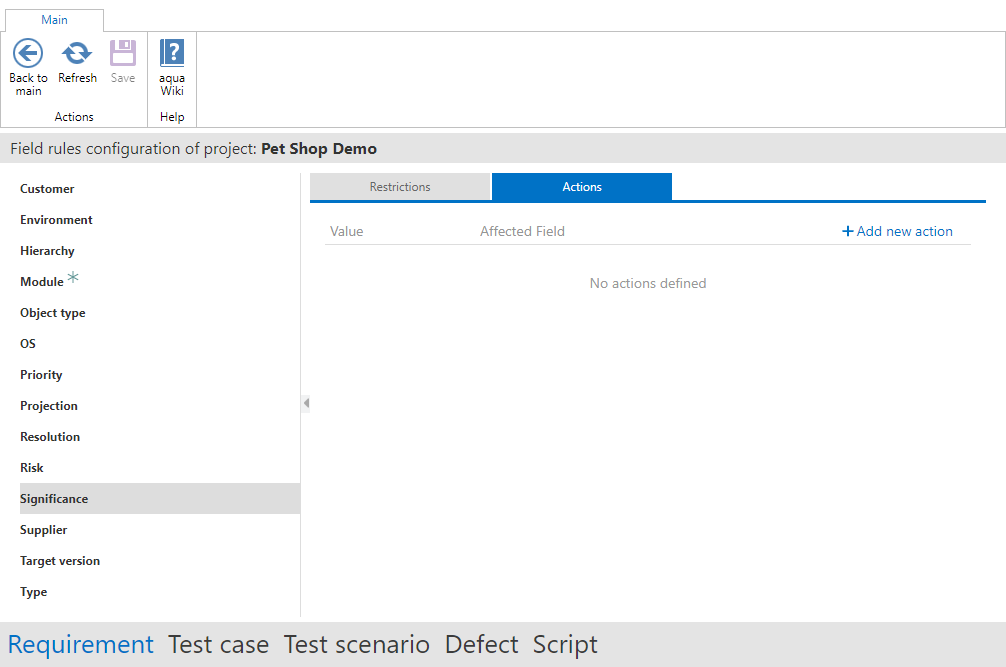
Now select the value of the field on which the impact should happen.
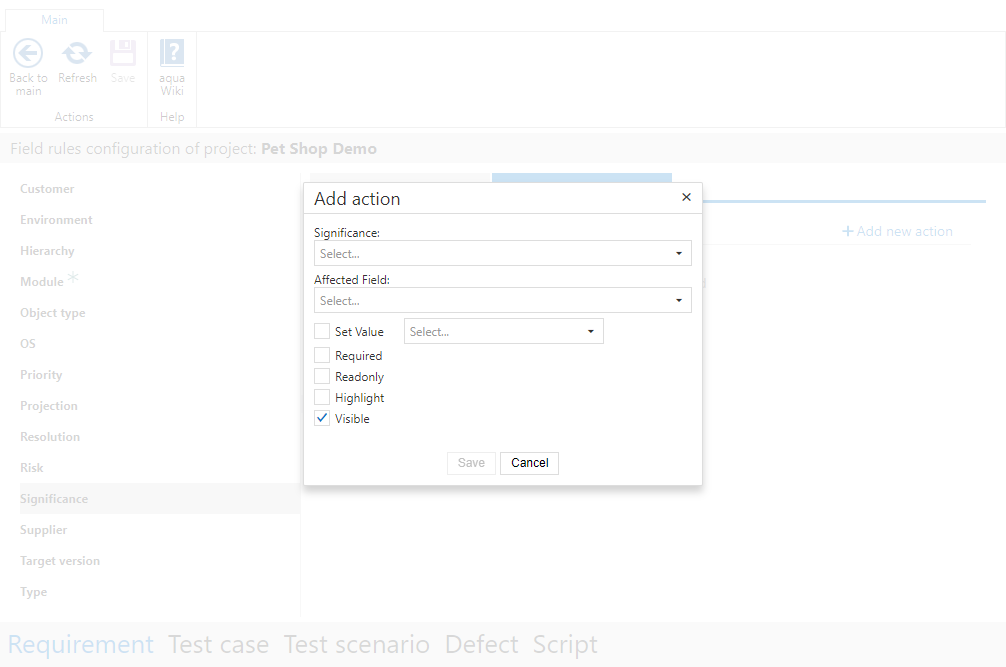
In our example, we use the field significance. If it has the value critical, the field risk should be required. To configure this, we select the value from significance, then the affected field and the corresponding checkbox (required).
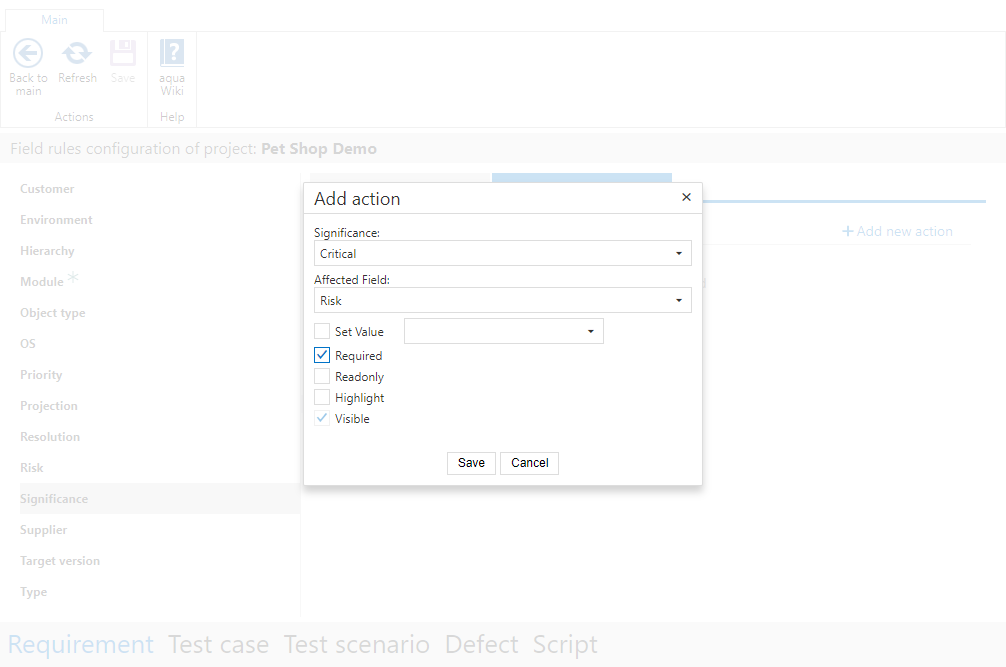
Save the action. It will now be applied for your project.