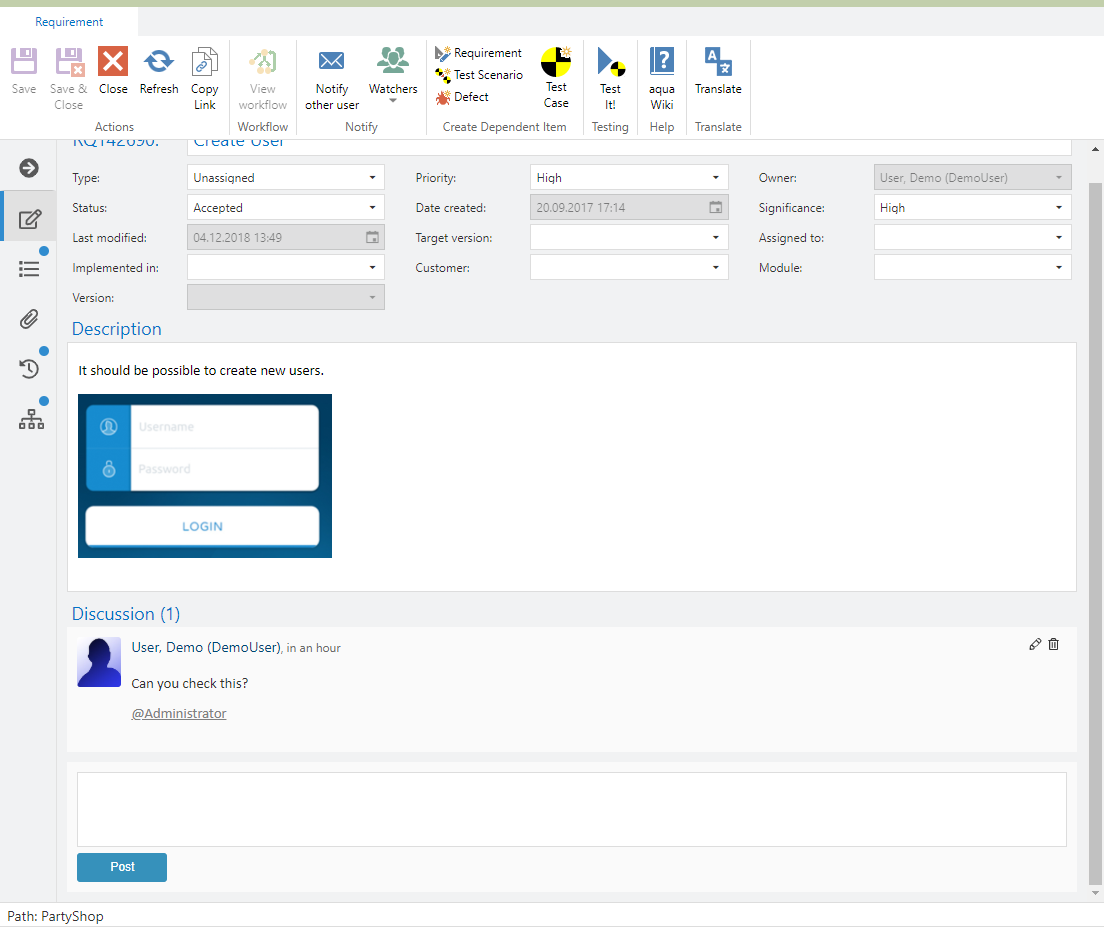
Discussions
In requirements, you have the option to focus on collaborative work. If there is no discussion yet, you receive an information below the description of your requirement. To start a discussion, click on 'Create new post'.

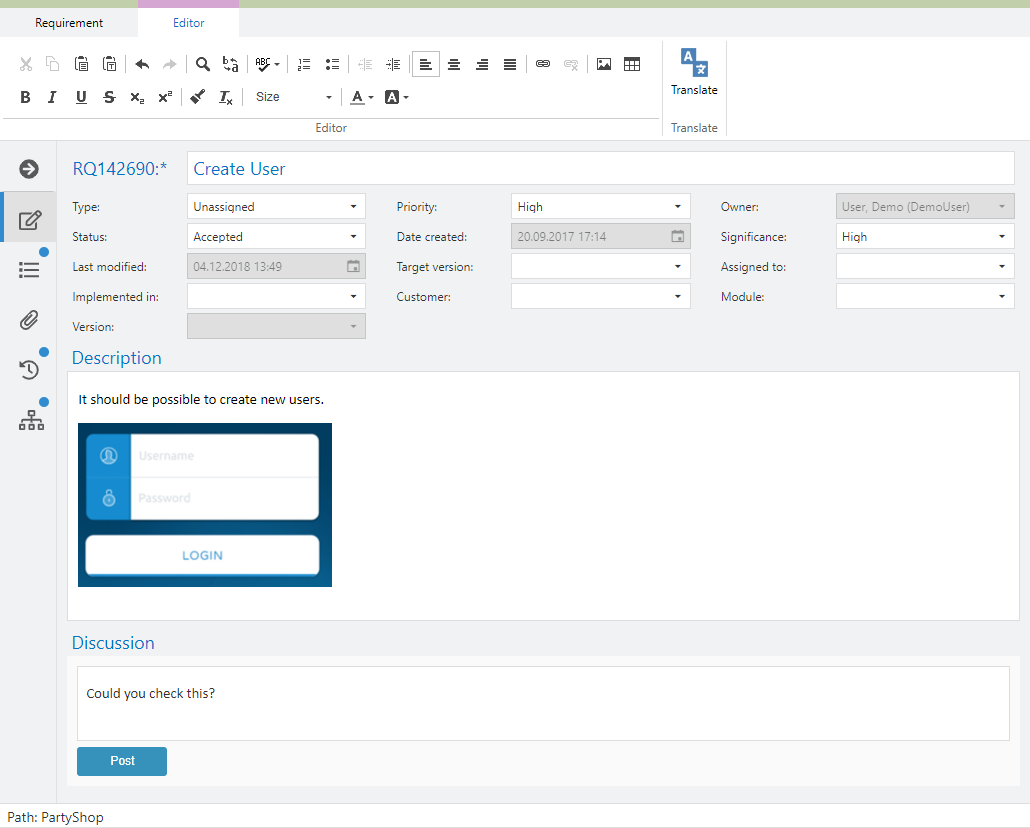
In the new discussion, you can enter your text which is visible for all users. By clicking on Post, the post is moved into the chat.
All other users can see the message. It does not matter if the item is in locked or unlocked mode. Furthermore, you have the option to invite aqua users to the discussions. In order to do so, press @ and start typing the name of your colleague. Select the user name and press enter to confirm.

After you posted your text, you can still edit or delete it.