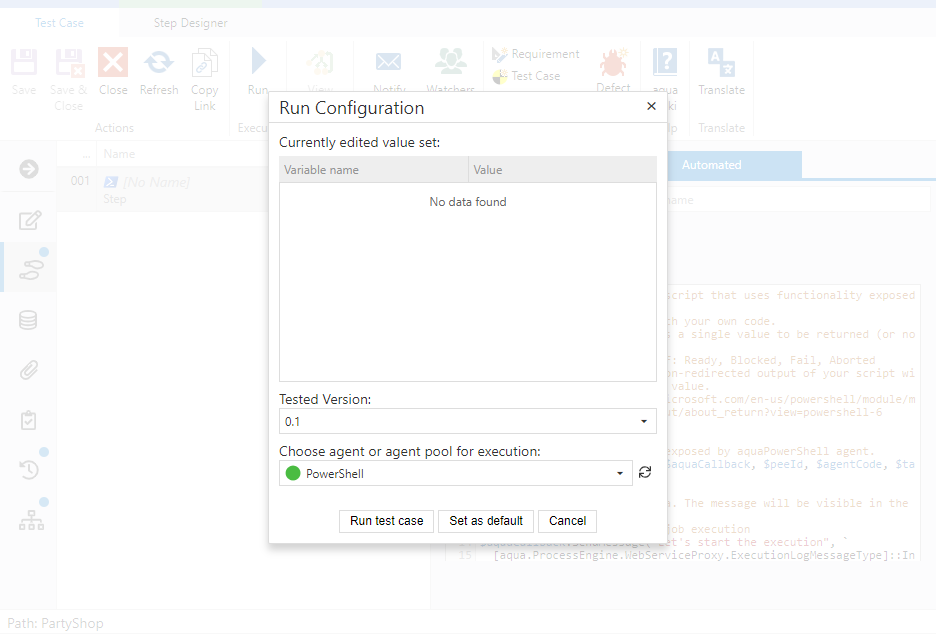
aqua Web allows to execute automated tests. The procedure to start an automated test is the same as for a manual test. You just click the Run button in a given test case. The following dialogue is supplemented with a section for Agent selection. The agent is responsible for executing the test. Red indicates that the agent is not available, green indicates an execution agent that waits for a task.
For setting up test automation, please refer to the automation section in our Rich Client documentation. A list of supported test automation tools can be found here.